
Why mining cost reporting is where operations and finance must speak the same language
In mining, cost and volume are inseparable. A cost-per-BCM figure that looks high might simply reflect a higher proportion of harder, more abrasive ore zones that quarter. A cost-per-tonne-treated figure that has jumped might mean the mill feed is coarser because the blast pattern changed - not that the processing team has become less efficient. Mining cost reporting that strips the cost numbers away from the production context that explains them creates confusion rather than accountability.
Best-practice mining cost reporting links every cost element to the production activity that drove it. Load-and-haul cost sits alongside BCMs moved and truck productivity. Processing cost sits alongside throughput, feed grade and recovery. C1 cost and AISC sit alongside contained metal produced and sales volume. When the numbers are linked, a cost variance has an explanation attached; when they are not, it has a three-week investigation.
The mining cost hierarchy: from $/BCM to AISC
Mining cost is best understood as a hierarchy of metrics, each relevant to a different audience. At the operational level, the mine team tracks cost per BCM moved - broken down into mining, load-and-haul, drill-and-blast and services. The processing team tracks cost per tonne treated - reagents, power, maintenance, labour and overhead separately. Finance tracks C1 cash cost per unit of metal sold - typically expressed in $/oz for gold, $/lb for copper, or $/kg for lithium. Leadership and investors track AISC - C1 plus sustaining capital expenditure, corporate overhead and royalties - as the definitive measure of profitability at spot price.
Cost centre reporting: who owns what
Mining cost is controlled by many different cost centres - fleet operations, blast operations, processing, maintenance, infrastructure, site services and G&A. A cost dashboard that shows total site cost without cost centre granularity tells leadership that there is a problem but not who owns it. The value of cost centre reporting is in assigning clear accountability: the load-and-haul superintendent owns the haulage cost rate, the metallurgist owns reagent and power costs in the plant, and the maintenance planner owns the maintenance cost per operating hour.
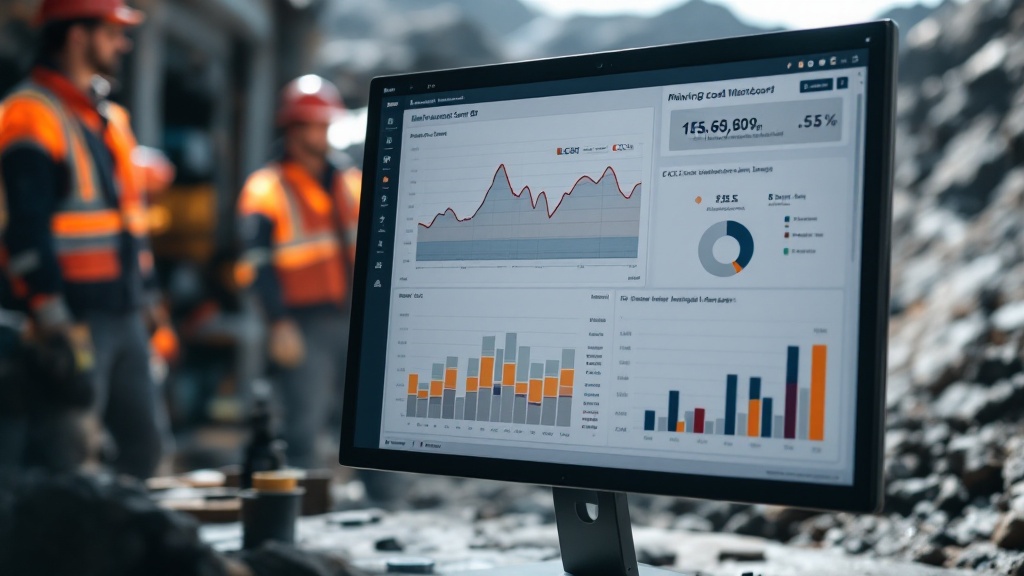
Budget versus actual: attributing the variance
A cost variance against budget is not itself informative - it only becomes actionable when it is attributed to its cause. A cost overrun in load-and-haul might be volume-driven (more BCMs were moved), rate-driven (diesel price or contractor rate increased), or productivity-driven (cycle times increased and more trucks were required for the same output). These are three different conversations - and the cost dashboard should make clear which one the team is having before anyone reaches for an explanation. The most useful format for budget-vs-actual analysis is a waterfall or bridge chart that separates the volume, rate and productivity components of the variance.
ERP reports vs a unified mining cost dashboard
ERP cost reporting vs unified mining cost dashboard
| Aspect | ERP reporting only | Unified mining cost dashboard |
|---|---|---|
| Cost linked to production volume | Cost and volume in separate reports | Cost per BCM, cost per tonne, C1 and AISC in one view |
| AISC calculation | Manual calculation in Excel at month-end | Automated - updated as actuals post |
| Cost centre accountability | Available but rarely structured for operational use | Cost per activity linked to the team accountable for it |
| Variance attribution | Requires manual bridge analysis | Volume, rate and productivity components shown automatically |
| Speed to close | AISC figure available 2–3 weeks after month end | Preliminary AISC available day 3–5 of the following month |
The Power BI and Fabric architecture behind mining cost reporting
On a typical SolveBI deployment we integrate ERP actuals (SAP, Oracle, Pronto), payroll, contractor invoice data and production volumes from dispatch and the process historian into Microsoft Fabric, then build a single cost model in Power BI. The mine operations team sees cost per BCM by activity; the processing team sees cost per tonne treated; finance sees C1 and AISC against budget; the board sees the AISC bridge chart - all from one dataset with consistent definitions applied across all cost categories.
Common mistakes in mining cost reporting
- Cost reported without production volume. A cost figure divorced from the activity that drove it is uninterpretable.
- AISC calculated manually in Excel at month-end. A manually assembled AISC is always late and always reconcilable against actuals in at least three different ways.
- No volume/rate/productivity attribution. Knowing costs are over budget is not the same as knowing whether the problem is volume, rate or productivity.
- Sustaining and non-sustaining capital not separated. AISC and growth capex need different treatment; mixing them produces a misleading cost-of-production figure.
- Contractor costs not aligned to production periods. Invoice-date accruals do not match the production period they relate to, creating period-on-period noise that obscures real cost trends.
From a month-end spreadsheet to an AISC figure that updates as actuals post.
Book a free 30-minute consultation with a SolveBI consultant. We'll map your ERP, payroll and production data, agree the right cost hierarchy structure, and quote a phased Power BI deployment you can budget against.