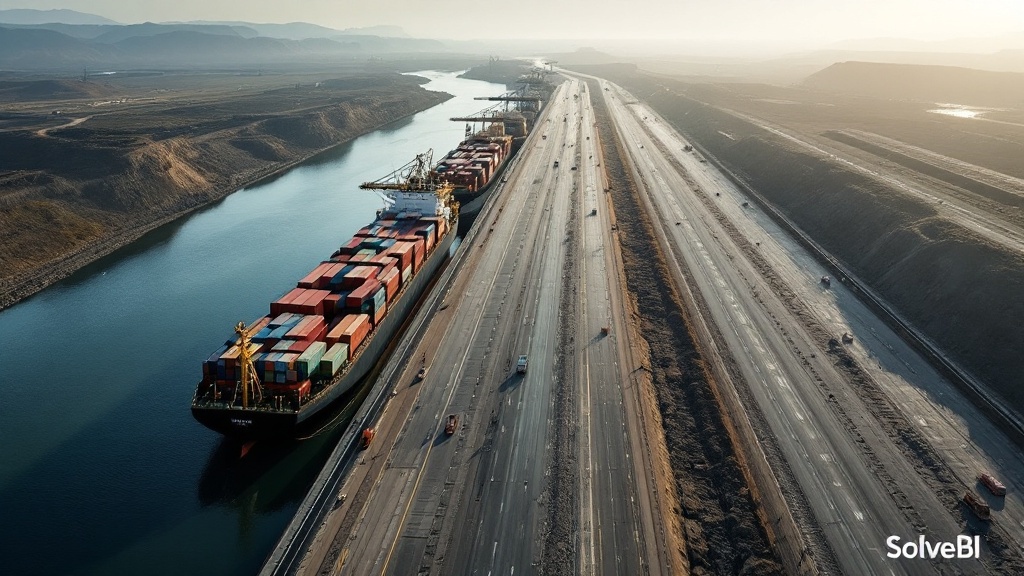
Why planned routes and actual routes are rarely the same
Most transport, postal and logistics operators plan routes carefully and then never look back. The route was sensible when it was built; whether it still is, given changes in traffic, customer location, delivery windows and driver behaviour, is rarely measured. Route efficiency reporting closes this loop - comparing planned against actual route performance so the team can see where the plan is breaking down and where the next round of operational savings sits.
The route efficiency metrics that matter
- Distance per stop - the efficiency of the geographic clustering
- Stops per hour - the operational throughput once on the route
- Route deviation - kilometres or minutes spent off the planned route
- Congestion impact - time lost in traffic vs. clear-road benchmarks
- On-route vs at-stop time - the productive vs. transit balance
- Variability - day-to-day consistency of execution on the same route
Analysing planned vs actual route performance
The single most useful pattern in route efficiency reporting is the systematic comparison of planned against actual. A route that consistently takes longer than planned needs replanning; a route that consistently beats its plan suggests other routes could be expanded; a route whose execution varies day-to-day suggests a driver or process issue rather than a routing one. The dashboards we build surface all three patterns separately so the team can act on each appropriately.
Identifying inefficient routes and high-cost zones

Some routes and zones are systematically more expensive to serve than others - because of traffic, geography, customer behaviour or building access. Route efficiency reporting makes these patterns visible so the commercial team can either reflect the cost in pricing, redesign the route, or adjust delivery windows to avoid the worst congestion. None of these conversations are possible without the dashboard to anchor them.
GPS, telematics and historical traffic data
Route efficiency reporting depends on bringing several data sources together: planned routes from routing software (Paragon, Descartes, OptimoRoute, etc.), actual GPS traces from telematics, traffic data from external feeds, and outcome data from dispatch and customer systems. Each on its own answers part of the question; joined together in Microsoft Fabric, they answer the whole one. The integration is rarely difficult; the value is in the unification.
Impact on fuel, labour cost and delivery speed
What good route efficiency reporting changes
| Aspect | Without unified reporting | With unified route efficiency reporting |
|---|---|---|
| Route design refresh cadence | Annually, if at all | Continuously, based on actual data |
| Identification of high-cost zones | Anecdotal | Visible by zone, by day-part |
| Driver-level coaching | Based on incidents | Based on systematic variability data |
| Pricing of difficult routes | Rarely reflects true cost | Supported by defensible cost data |
Route efficiency reporting across sectors
Postal and parcel networks
High-density urban routes with tight delivery windows. Reporting that exposes stops-per-hour variability by suburb is what allows network planners to rebalance loads continuously rather than annually.
B2B and freight
Fewer stops, larger drops, longer line-haul. Reporting that exposes delivery-window adherence and on-route vs at-stop time is where the cost story usually sits.
Last-mile and gig delivery
Mixed-asset, mixed-contractor environments. Unified reporting that normalises across modes and worker types is the foundation of any honest cost-per-delivery number.
The Power BI architecture behind route efficiency reporting
On a typical SolveBI deployment we land GPS, telematics, TMS and historical traffic data into Microsoft Fabric, then expose a single route-efficiency model through Power BI. Dispatchers see the live route-deviation view, planners see the planned-vs-actual analysis, and executives see the cost-per-stop trend - all from one Power BI dataset that lets the planning conversation be evidence-based rather than anecdotal.
Common mistakes in route efficiency reporting
- Reporting actuals without plans. Without the planned baseline, actual data tells the team nothing about whether the route is efficient - only what it cost.
- Averages without variability. A route with a stable average can have high day-to-day variance; both numbers matter.
- Treating deviations as driver problems. Many deviations reflect a stale plan rather than a wayward driver.
- Ignoring zone-level cost differences. Some zones are systematically harder to serve; pricing and operations should reflect this.
- Annual route reviews. Cities, customer locations and traffic change continuously; route design should respond at the same cadence.
From annual route reviews to continuous route improvement.
Book a free 30-minute consultation with a Microsoft-certified SolveBI consultant. We'll map your routing, GPS and dispatch data, agree the right efficiency metrics, and quote a phased Power BI deployment you can budget against.