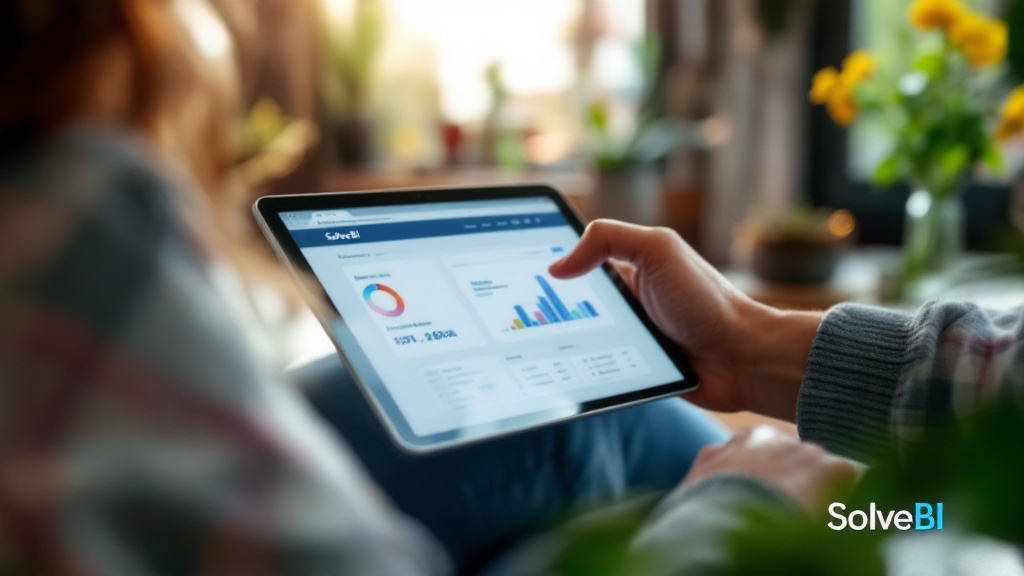
Why customer behaviour is the most valuable retail dataset you already own
Most retailers already collect enough data to understand their customers well - loyalty memberships, transaction history, e-commerce session data, foot-traffic counts. The problem is that this data sits in different systems and is rarely joined together in a way that supports decisions. The result is a business that knows a lot about its customers in aggregate but very little about how to act on it.
Good customer behaviour reporting fixes that. It connects identifiable behaviour (loyalty, e-commerce accounts) with anonymous behaviour (POS transactions, store traffic) into one model that the merchandising, marketing and operations teams can use.
The behaviour metrics that belong on a retail dashboard
- Foot traffic - in-store visitors, in total and by hour, day and store
- Dwell time - how long customers spend in store or on a category
- Basket size and composition - what customers actually buy together
- Repeat visit rate - the share of customers who return within a defined window
- Customer lifetime value (CLV) - aggregate value of each loyalty member over time
- Churn rate - the share of previously active customers who haven't returned
Customer segments and buying patterns
Treating all customers as a single average is the most common mistake in retail behaviour analysis. A useful customer dashboard segments shoppers in ways that map to action - by value tier, lifecycle stage, category affinity and channel preference - so the merchandising and marketing teams can apply different strategies to different groups.
Online vs in-store behaviour - same customer, different signals

The most interesting customer behaviour pattern is rarely 'online customers' vs. 'in-store customers' - it's the customer who does both. These omnichannel shoppers typically spend significantly more than single-channel ones, but most retailers can't see them clearly because the data lives in different systems. A unified behaviour dashboard makes this segment visible and quantifies its value - usually for the first time.
Identifying cross-sell and upsell opportunities
Basket-level analysis - which products are bought together, in what order, by what kind of customer - is where some of the highest-impact retail decisions come from. A useful behaviour dashboard surfaces these patterns at the category and brand level (where the action is) rather than at the SKU level (where the data is overwhelming), and supports drill-down when the merchandising team wants to investigate further.
Cross-sell reporting - common vs. unified
| Aspect | Common (today) | Unified (with SolveBI reporting) |
|---|---|---|
| Basket-pair analysis | Ad-hoc, done once a year | Live at category and brand level |
| Cross-channel basket view | Online and store treated separately | Joined where loyalty allows |
| Segment-aware | Single average across all customers | Segmented by tier, lifecycle and channel preference |
| Action support | Insight without a clear next step | Direct input to merchandising and promotion planning |
Using loyalty data to personalise offers
Loyalty programs generate the richest customer dataset most retailers will ever own. The reports we build are designed to turn that data into action - identifying lapsed customers who can be won back with a targeted offer, recognising rising-star customers worth investing in, and exposing the cohorts whose lifetime value most depends on whether the first three purchases happen.
Customer behaviour reporting across retail sectors
Supermarkets
Loyalty penetration is high and basket data is rich. Reporting that exposes basket-pairing, store-of-choice patterns and category affinity is the foundation of most modern supermarket merchandising decisions.
Fashion retail
Lifetime value, repeat rate and category-cross are the core levers. Reporting that exposes which customers become multi-category buyers - and what triggered that crossover - guides marketing investment with unusual precision.
Omnichannel brands
Channel-cross behaviour is the highest-value pattern. Unified reporting that connects in-store and online behaviour at the loyalty-customer level is often the strongest justification for the omnichannel investment itself.
The Power BI architecture behind customer behaviour reporting
On a typical SolveBI deployment we connect POS, e-commerce, loyalty, foot-traffic and CRM data through Microsoft Fabric, and expose a single customer-behaviour semantic model through Power BI. The same dataset powers the merchandising segmentation view, the marketing campaign view and the executive customer-lifetime-value dashboard. Privacy controls and row-level security are built into the Power BI model so each function sees only what it needs to.
Common mistakes in retail customer behaviour reporting
- Aggregating away the segments. A single average across all customers hides every actionable pattern.
- Confusing identifiable and anonymous data. Loyalty members are known; transaction-only shoppers are not. Mixing them without care leads to incorrect conclusions and privacy risk.
- Description without action. Insightful tiers that the marketing team can't actually use are noise.
- Online and store treated separately. The omnichannel customer is invisible until the data is joined.
- Ignoring lapsed customers. Win-back is almost always cheaper than acquisition, and the dashboard should make the lapsed cohort easy to find.
From customer data to customer-driven decisions.
Book a free 30-minute consultation with a Microsoft-certified SolveBI consultant. We'll map your loyalty, POS, e-commerce and marketing data, agree the right customer segments, and quote a phased Power BI deployment you can budget against.