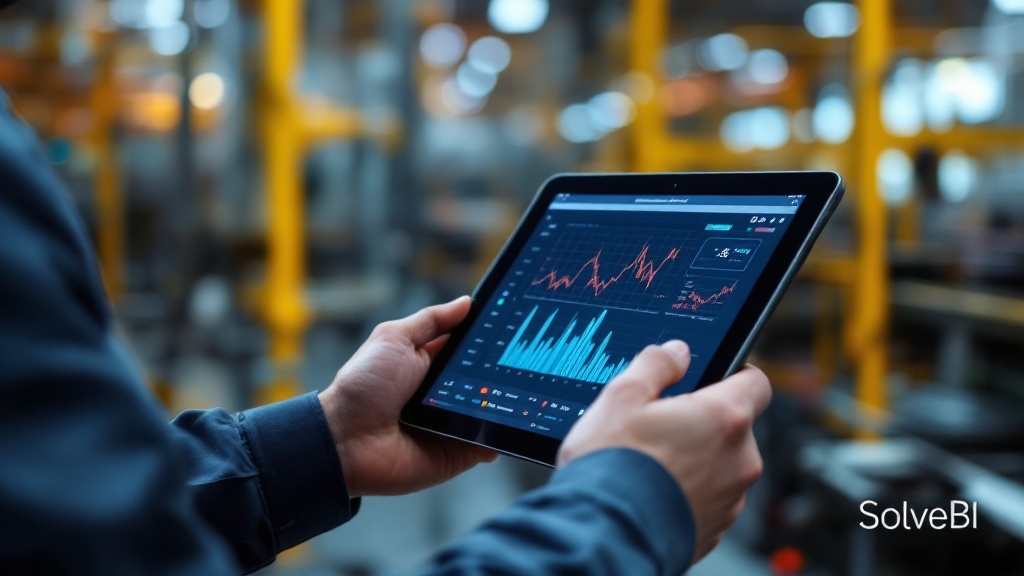
What quality control reporting really is
Quality control reporting is the combined view of every signal that tells the business whether the product it is making meets specification. That includes inline inspection data, end-of-line tests, supplier inspections, customer returns, complaints and audit findings. Treated separately, each is just a log. Treated together, they form an early-warning system that catches drift before it becomes a recall or a customer call.
In most Australian manufacturing businesses, the raw data already exists. What is missing is a single place to view it, a discipline for classifying it, and a connection to the operations decisions that can prevent the next defect.
The metrics that belong on a quality control report
A good QC dashboard does not try to display every metric the quality team tracks. It surfaces the small set that, together, tell the story of whether the process is in control:
- Defect rate - by product, line, shift and customer-facing category
- First-pass yield - the share of units that pass inspection the first time, not after rework
- Process capability indicators - statistical measures of whether a process is reliably within spec
- Non-conformance counts - open, overdue, and recently closed corrective actions
- Customer complaints and returns - the external signal, mapped back to the production data
- Supplier quality - acceptance rates and incoming-inspection results by supplier
Inline vs end-of-line inspection - what each one tells you

Both kinds of inspection generate useful data, and a strong QC report uses them differently. Inline inspection feeds the early-warning view: trends, drift, the moment a process starts moving outside its normal band. End-of-line inspection feeds the assurance view: what was shipped, what failed, what was held. A unified dashboard shows both, with the ability to trace any failed end-of-line result back to the inline signals that should have predicted it.
Catching quality drift before it becomes a customer problem
Most quality incidents do not start as incidents - they start as a slow drift that nobody notices until the customer does. The single biggest value of unified QC reporting is shortening this lag. By overlaying inline measurements, end-of-line results and complaint data on a common timeline, the team can see the early signs of drift weeks before the customer-facing problem appears.
Pairing QC reporting with structured root-cause analysis
A QC dashboard is most powerful when it sits alongside a disciplined root-cause workflow. The tools the team uses - 5 Whys, Fishbone (Ishikawa) diagrams, Statistical Process Control charts - all rely on having the right data at the right level of granularity. The dashboards we build are designed to surface that data when the engineer needs it:
How QC dashboards support root-cause work
| Tool | What it needs | What a SolveBI QC dashboard provides |
|---|---|---|
| 5 Why | Event detail and timeline | Drill-through from any defect to the production context |
| Fishbone (Ishikawa) | Slice by people, machine, method, material, environment | Filters and slicers across all five axes on demand |
| SPC chart | Time-series of measurements with control limits | Built directly into the dashboard, with refresh schedule |
| Pareto | Defect counts by cause | One-click Pareto on any defect classification |
How Power BI and Microsoft Fabric carry the QC reporting load
On a typical SolveBI deployment we connect the QMS, MES, inspection systems and ERP into Microsoft Fabric, then expose a single quality semantic model through Power BI. The QMS remains the system of record for non-conformances and corrective actions; the Power BI layer surfaces trends, early-warning signals and compliance evidence on top of it. The same dataset powers the operator SPC charts on the floor, the daily quality huddle dashboard and the audit-ready executive report.
Supporting ISO 9001, customer audits and regulatory requirements
For most Australian manufacturers, the QC report is not only an operational tool - it is part of the evidence base for ISO 9001 certification, customer audits and regulatory compliance. A unified report dramatically simplifies these audits because the same data the team uses to run the floor is also the evidence the auditor wants to see. Where additional formal reports are required, they can be generated directly from the underlying Power BI dataset, so there is never a question of whether the audit pack matches the operating reality.
What QC reporting looks like across sectors
Automotive and aerospace components
Process capability indicators are central, and customer audits are routine. Unified reporting that traces every shipped part back to its measurement record is a significant competitive advantage.
Medical devices
Traceability is non-negotiable. QC reporting needs to support full forward and backward traceability from raw material to patient-facing serial number, with the audit-ready evidence to match.
Food and beverage production
Microbiological results, weight checks and label compliance dominate. The most useful reports tie inline weight and check-weigher data to customer complaint trends, often surfacing issues weeks before they reach the retailer.
Common mistakes in QC reporting
- Treating the QMS as the report. Operational quality reporting needs the QMS data joined to MES, ERP and complaint data - the QMS alone is necessary but not sufficient.
- Lagging too much on customer complaints. If the complaint data takes six weeks to appear on the dashboard, the early-warning value is lost.
- Averaging away the signal. Long averages hide drift; default to shorter moving windows and let users zoom out.
- Static reports for dynamic processes. Quality data should be filterable by product, line, shift, supplier and lot - not pre-aggregated into PDF packs.
- Reporting in isolation from operations. A QC report that the operations team never sees rarely changes behaviour. The same dashboard should be visible to both functions.
From scattered inspection data to a single early-warning view.
Book a free 30-minute consultation with a Microsoft-certified SolveBI consultant. We'll map your current QC data sources, agree the right metric set, and quote a phased Power BI deployment you can budget against.